News

Update: Display of the rated power of WTs and user interface improvements

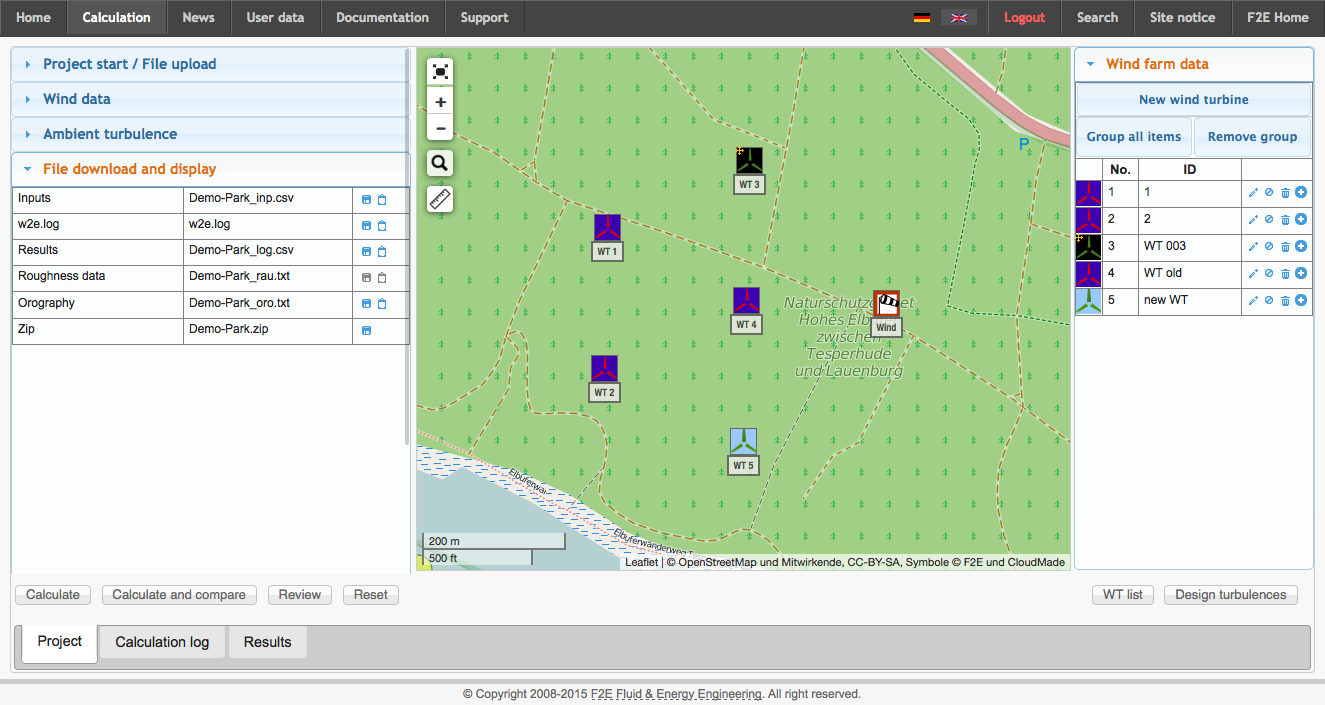
With the introduction of version 3.8.5 the wake2e wind turbine library was extended and contains values like the rated power. This value will be shown if you e.g. move the cursor on a wind turbine on the map in the "project view". In addition a couple of modifications have been applied to the graphical user interface to further improve the work with wake2e.

We hope that you will appreciate the new features and we are looking forward to your feedback.
Update: Plot of the Calculation Results, new Features for Curtailments and Individual Design Values

Plot of the Calculation Results

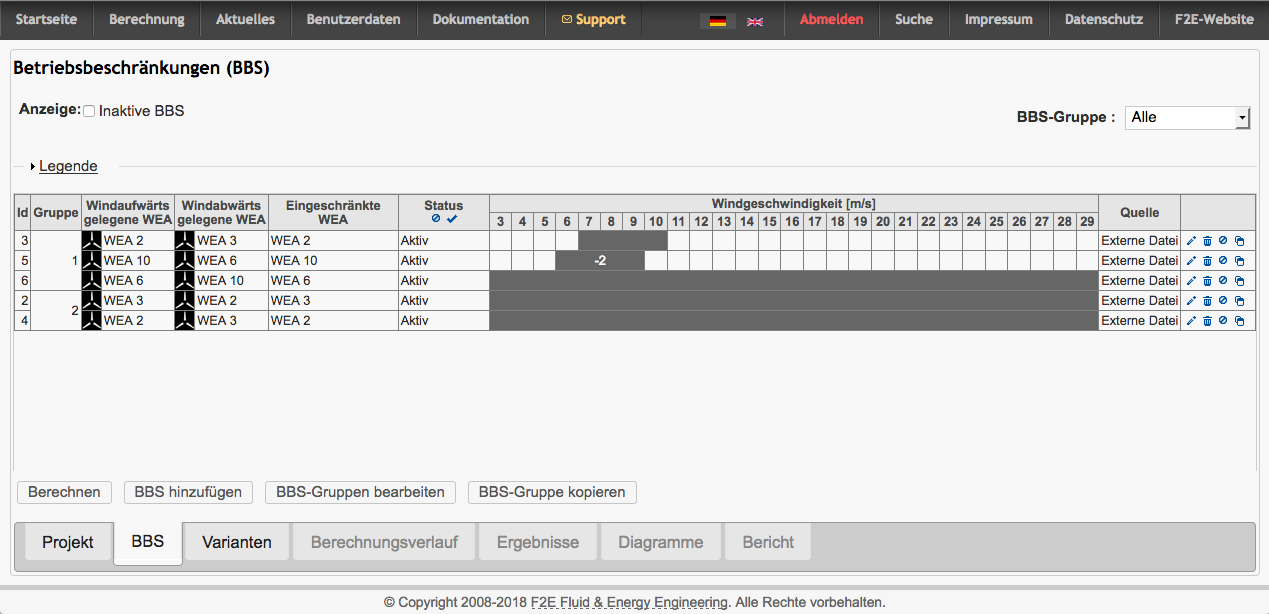
The new "charts view" shows the calculation results as a plot of the effective turbulence intensities depending on the wind speed. The display may be reduced to a group of WTs or single WTs. Additionally the design values will be shown for all selected WTs. This allows a fast visual comparison between the design values and the conditions on site.

New wake2e version 3.3.4

With the introduction of version 3.3.4 wake2e determines the “Windzone” according to DIN EN 1991-1-4/NA and according to “DIBt 2004 Anhang B” for projects in Germany. You will find the results in the section “results → other” of the result file.

Update: Improved map display

Context menu

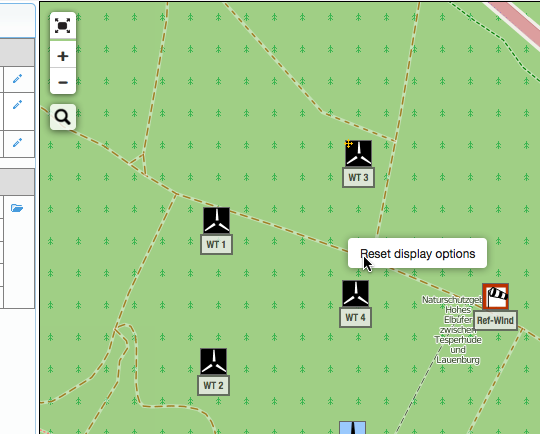
There is a new conext menu available by right clicking on the map. This menu provides options to change the display properties.

Context menu in the map

Markers at the frame of the map

At the sides of the map markers will appear to indicate WT-sites which are located outside the area currently shown on the map.

Update: Improved results presentation in wake2e

Using customised WT labels in the map

In the project settings the user may define whether the wind turbine's number ("WT 1") or its name (the "ID" column in the WT list) shall be displayed as label in the map.  To do so choose "Map display" in the menu "Extended settings". After saving this change the map will be rebuilt.
This setting does not change after resetting the project, loading a new project or logging in or off.

Pages

Subscribe to News